
For DePIN Deployers
Learn how to tokenize your DePIN infrastructure
Getting Started
Connect any Solana wallet
Click Create Distribution ↓
Create a shard token
Fill out the distribution information form, connect the associated devices or clusters with our API for historical reward calculation.
Deposit the Shard token into the contract
Approve the transactions (token mint, swap contract deploy).
Periodically deposit Airdrop Tokens
The contracts will handle distribution at automated periods.
Whitelist Required
Distribution events can be created only if you're whitelisted, and onboarding will be progressively rolled out in the coming months.
To learn more about the process, or to apply for a whitelist, please e-mail contact@fractals.finance.
How Distribution Works
When the DePIN Deployer deposits the emission tokens to the Distribution Stream vault, the Fractals protocol splits the deposit among Shard holders pro-rata.
Streaming continues until the DePIN Deployer pauses, ends, or the predefined duration elapses.
Claiming Proceeds
Shard holders can withdraw their accumulated emission tokens at any time. Accounting is done fully on-chain and guarantees token rewards to be calculated proportionally to their shard stake.
Example Distribution
Let's use an example distribution event when the deployer tokenizes their Helium device. Each time the deployer distributes the rewards (for instance, once a week), the distribution calculations would look like:
| Distributed Amount | User | Shards Owned | % Ownership | Tokens Received |
|---|---|---|---|---|
| 1000 | Bob | 20 | 20 % | 200 HNT |
| Alice | 80 | 80 % | 800 HNT |
Key Benefits
- • Automated Distribution: Smart contracts handle all calculations and payments
- • Transparent Accounting: All transactions are recorded on-chain
- • Proportional Rewards: Shard holders receive tokens based on their exact ownership percentage
- • Flexible Timing: Deployers can distribute rewards on their own schedule
How to Create a Shard
Fill out the shard token information like supply, name, image, etc (and mint the token)
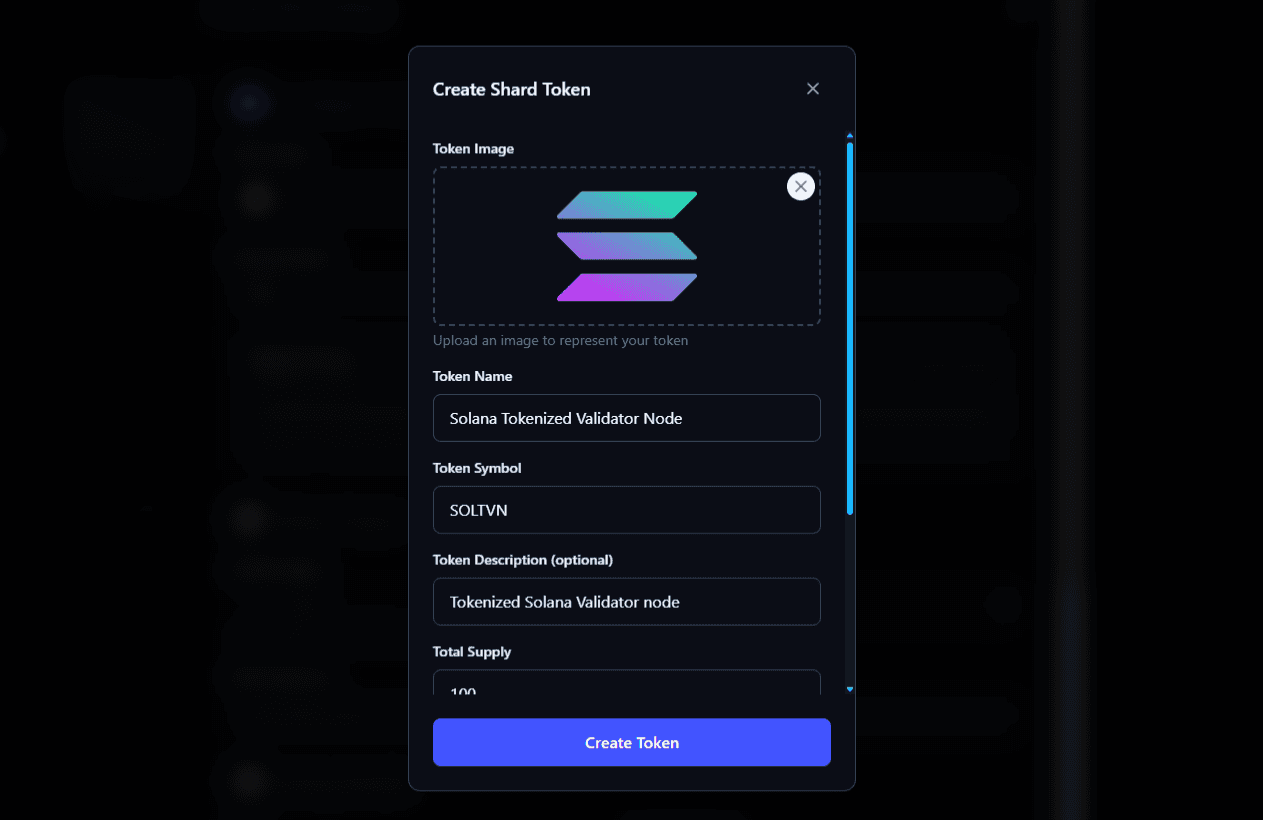
After finalizing the details, you will be prompted to create the token in your wallet.
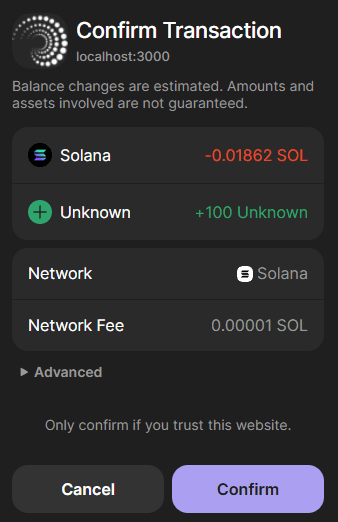
Confirm the transaction in the wallet to mint the shard tokens
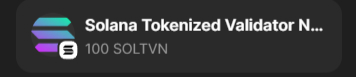
After confirming the transaction, it will appear in the SPL token list