
For buyers
How to buy shards
Shards let you participate in device reward streams remotely, browse the marketplace, checkout in USDC, and claim your pro rata share when payouts run.
What each listing shows
Price / Shard
USDC
Cost per shard
Payouts
Schedule
How many reward distributions
Est. daily / shard
Tokens
Rough daily reward per shard
Open a card's details to review payout timing and the emissions disclosure. Estimates are based on past device performance — not guaranteed.
Before you buy
Connect a wallet with USDC. Make sure the listing is still on sale (not sold out).
After you buy
Your shards show up under Shards in the sidebar.
Buying shards
1
Connect your wallet
Click Connect Wallet (top right). Sign in when prompted so the app knows your wallet.
2
Choose how many shards
On a listing card, use + / − or type a number. The cart icon in the header shows your order.
3
Check out
Open the cart, review the total (includes a small platform fee), and confirm. Your wallet will pop up — approve the transaction to complete the purchase.
4
View your shards
Go to Shards in the sidebar to see what you own.
Claiming rewards
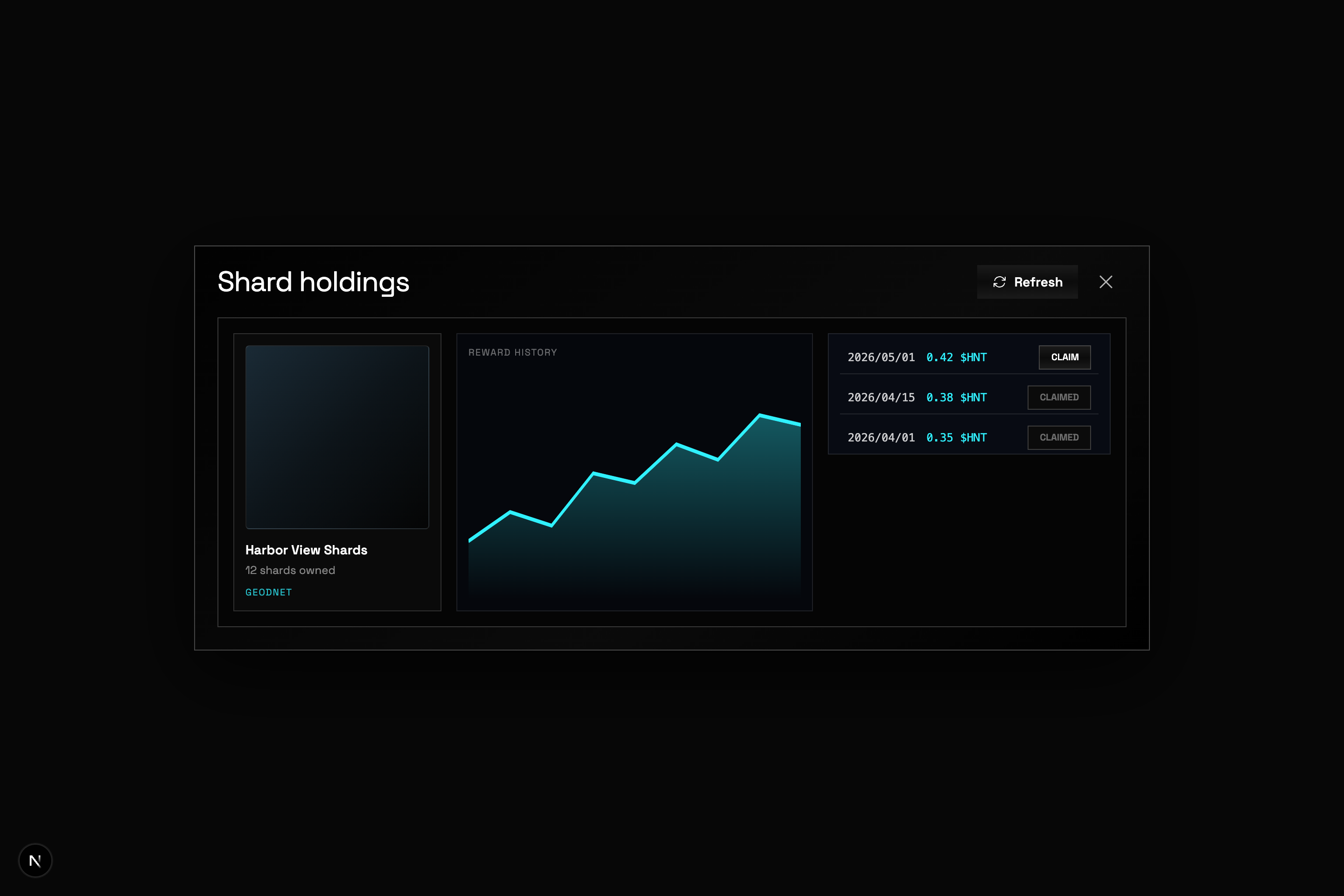
After a deployer distributes rewards, your share appears in Shards — claim it to your wallet.
1
Open your holdings
Click Shards in the sidebar. Each listing you own shows your balance, reward history, and past distributions.
2
Claim your payout
Find the distribution with an available balance and click Claim. Already-claimed payouts show as Claimed.
3
Confirm in your wallet
Your wallet opens to approve the transaction. A small Solana network fee applies. Tokens land in your wallet after confirmation.
Good to know
Check that the sale is still active and you understand the payout schedule before buying. Reward estimates are projections, not promises.