
For deployers
How to create a listing
List your devices on Fractals, set your price and payout schedule, and sell shards on the marketplace.
Open Create Listing
In the sidebar, go to Dashboard and click CREATE LISTING. The wizard opens with a step list on the left and the form on the right.
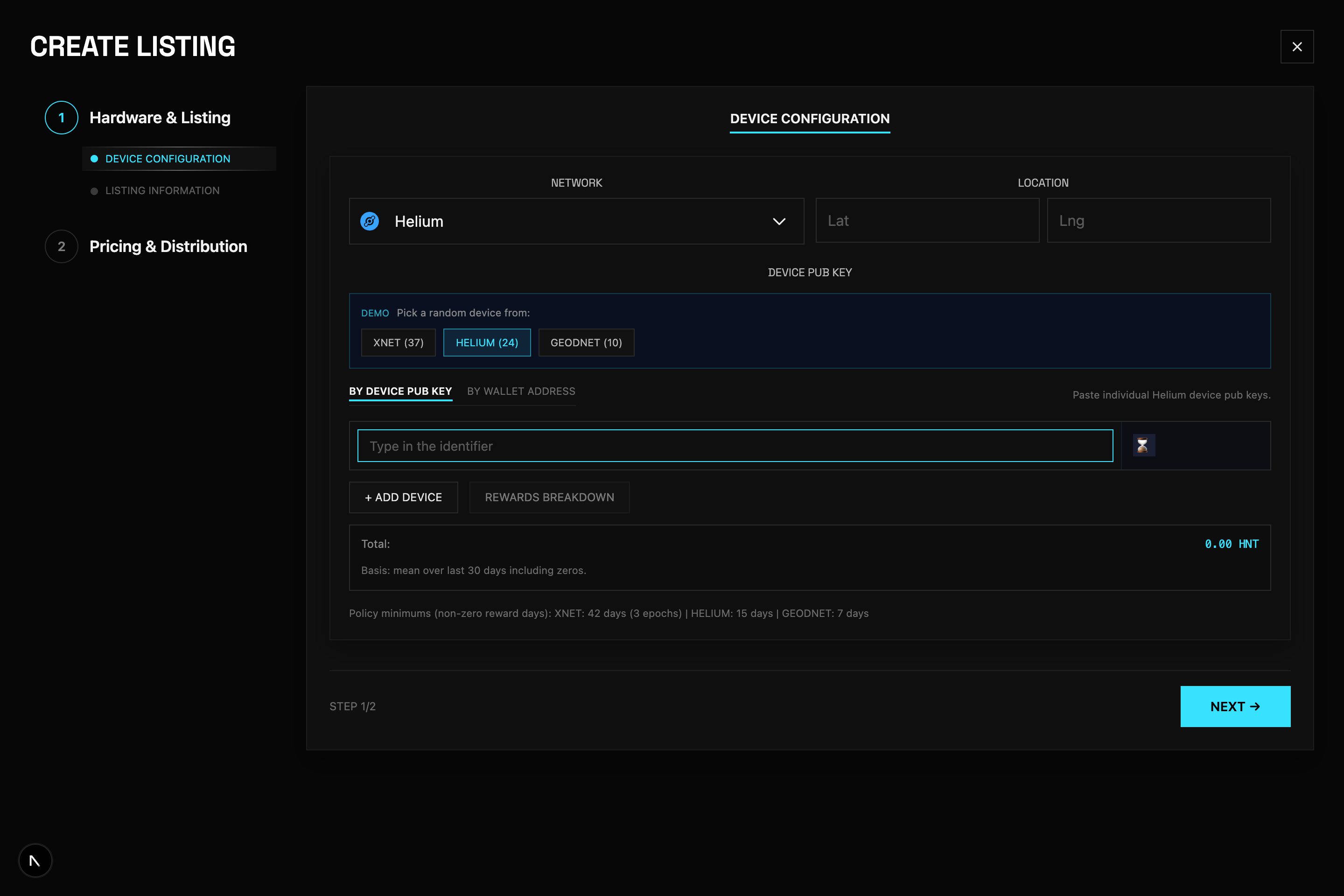
Device configuration
Pick your network, optional location, and add your device IDs. Click Next → when finished.
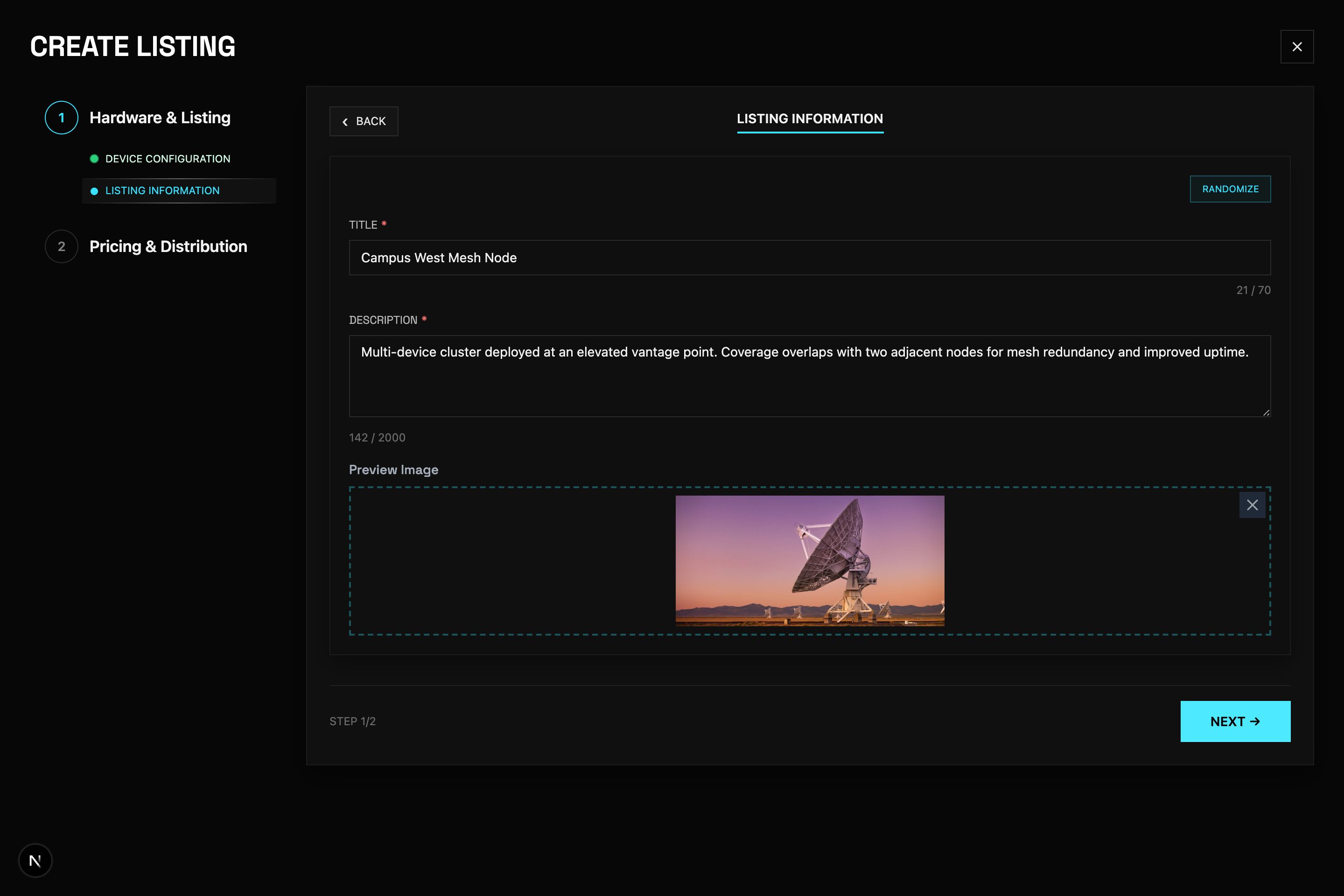
Listing information
Add your title, description, and cover image. Click Next → to continue.
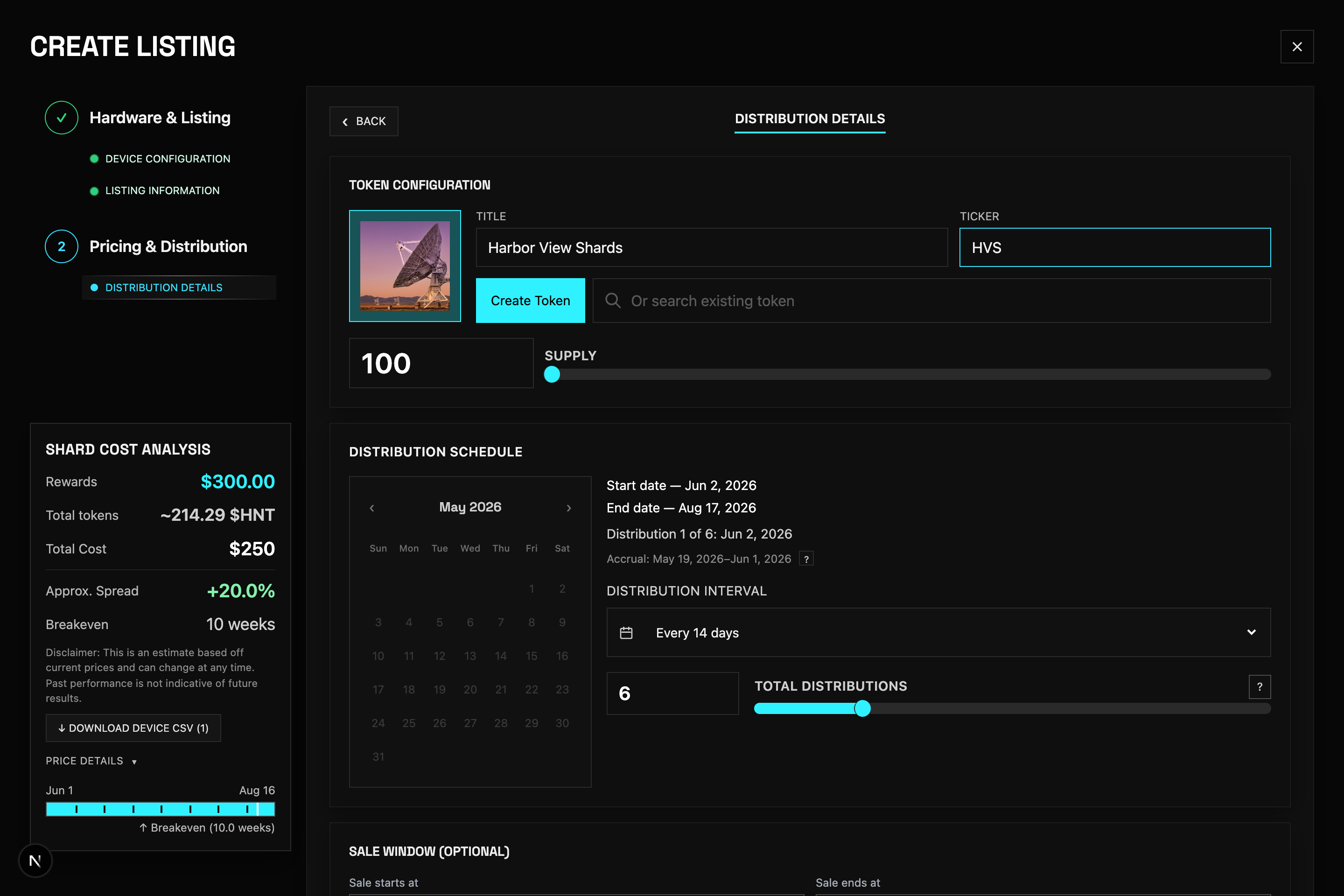
Token configuration
On step 2 (Pricing & Distribution), scroll to Token configuration. Enter a title and ticker for your shard token, set supply, then click Create Token and approve in your wallet. You can also search for an existing token instead.
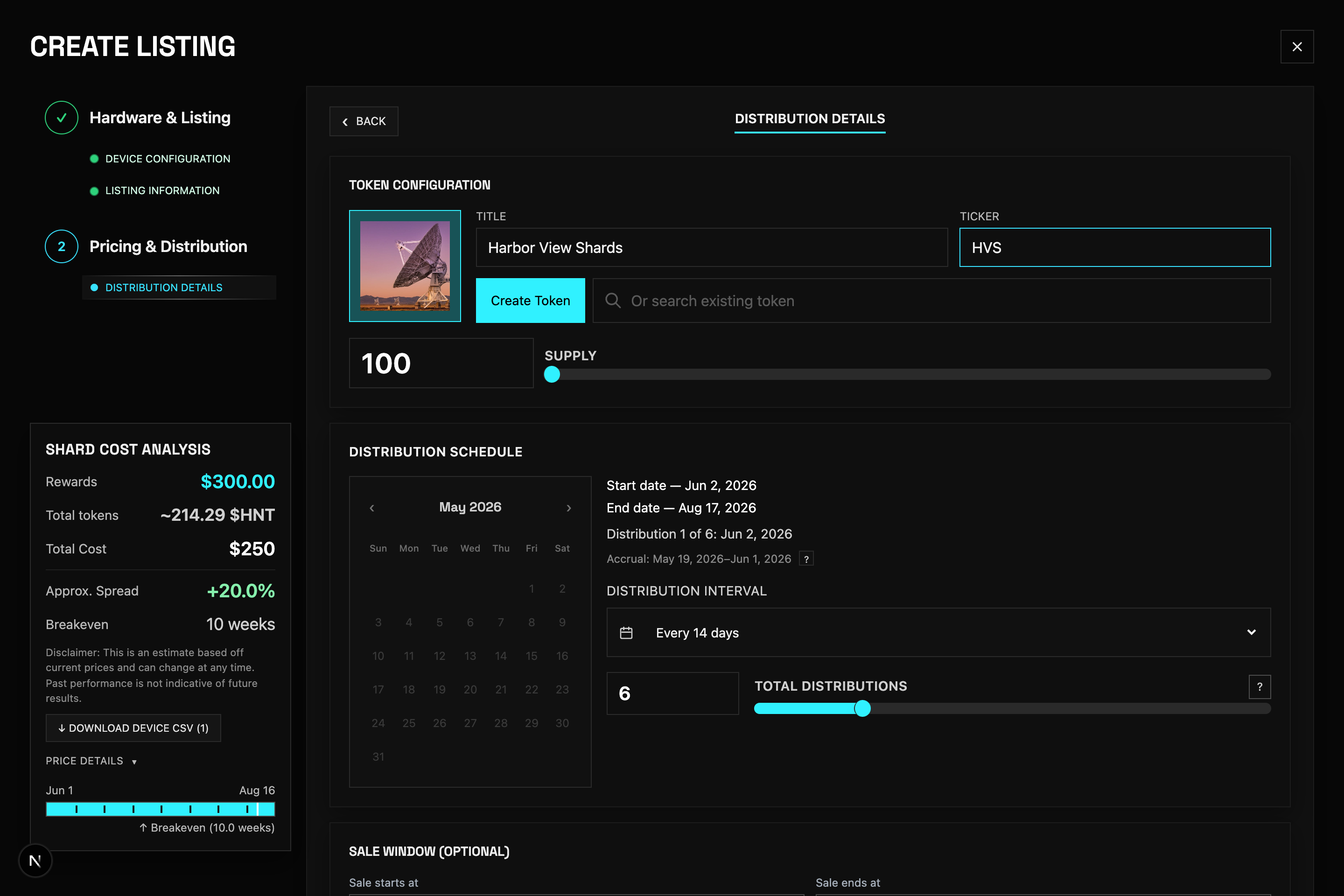
Distribution schedule
Set your distribution schedule (start/end dates and payout interval). Optionally set a sale window for when buyers can purchase shards.
Pricing
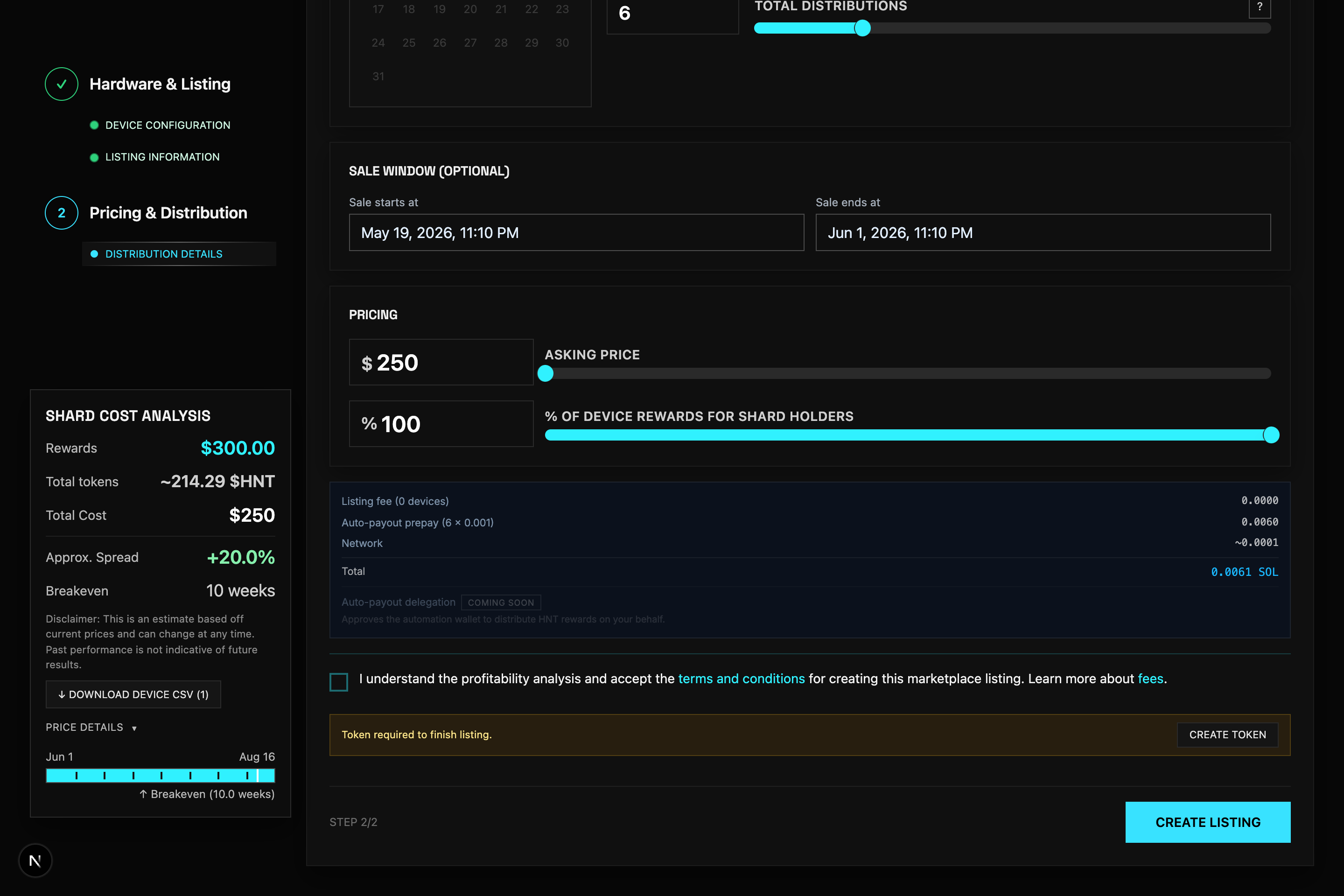
Scroll down to Pricing. Set your asking price (total USDC for all shards) and % of device rewards that go to shard holders. This is the last section before you publish.
Publish
Accept the terms at the bottom, then click Create Listing. Approve the transaction in your wallet. Once confirmed, your listing appears on the marketplace.
Paying your buyers
Open your listing from the Dashboard and use Distribute when payouts are due. Buyers claim from the Shards page.